
In DUMO you can easily check the details of all your past points purchases. To check such details, click on the "Deals" page on the side menu.
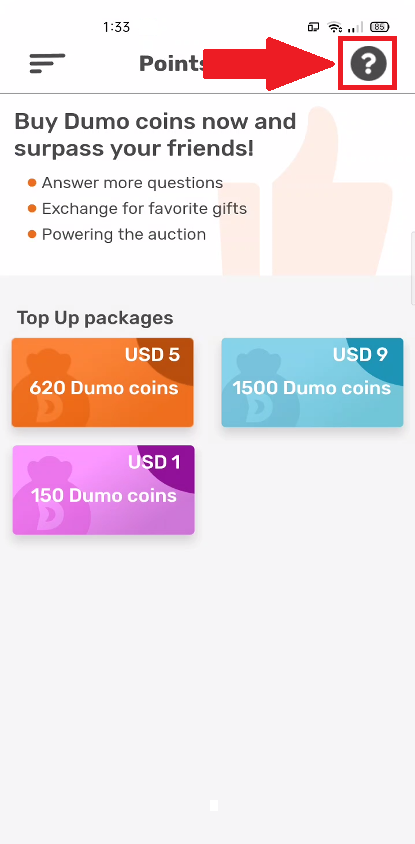
Step 1: Click on transaction history icon at the top right
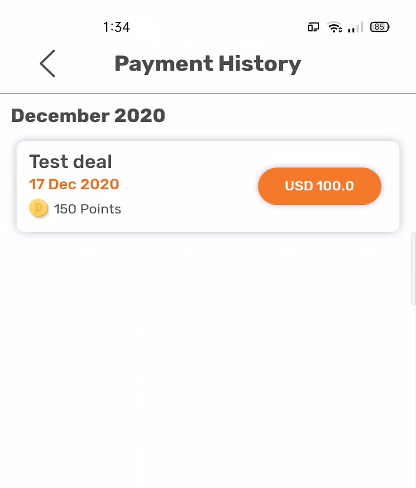
Step 2: Click on a transaction to view its details
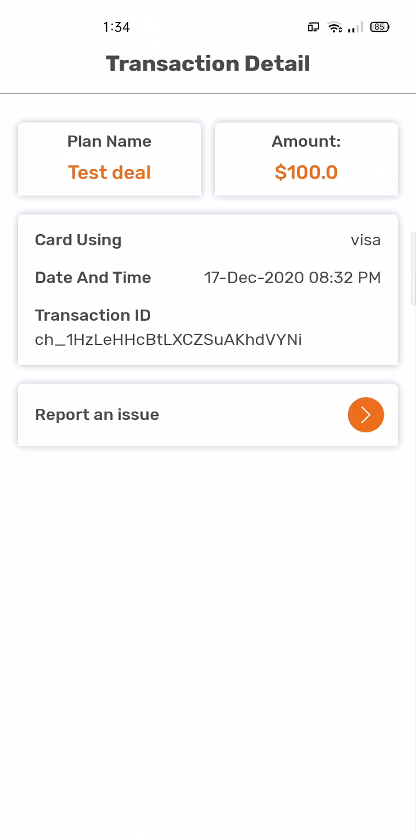
Step 3: This page shows you the date & time and type of card used for your purchase. If you intend to report any issues with your purchase, you need to refer to the "Transaction ID"
Comments
0 comments
Please sign in to leave a comment.